HubSpot, Revenue Operations

Stop Sending Contract Emails to the Wrong Person: Association Labels in HubSpot

Published:

Share:

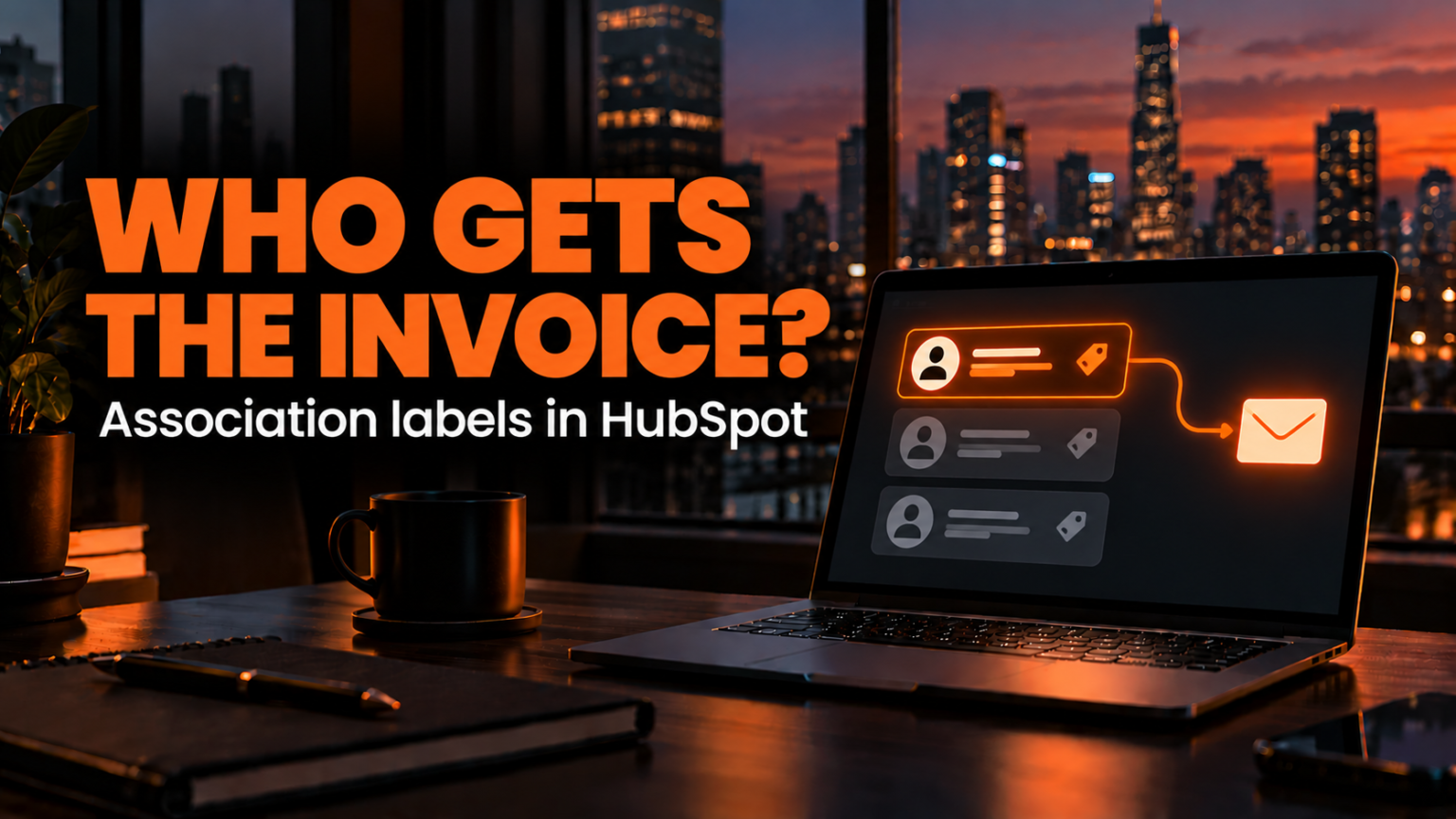
Your automated workflow fires the moment a deal reaches the contract stage, and it sends the agreement to every single contact attached to the deal. Every person on the account gets the email, while the one person who actually pays the bill gets lost in the pile.

When everyone receives the invoice or contract, everyone assumes someone else on their team is handling it. The signature stalls, payment gets delayed, and your team ends up chasing five different people just to get one document processed.

In military communications, broadcasting a tactical order across an open channel to every unit creates confusion over who is actually supposed to execute the mission. In business, blasting billing emails to every contact on a deal creates the exact same bystander effect.

Here is how to use association labels in HubSpot so your workflows send contracts and invoices strictly to the right person every time.

Build the Billing Contact Association Label

An association label tells your CRM exactly how two records are related to each other. Instead of treating every person attached to a deal as identical, a label marks the specific operational role that contact plays, such as who handles the billing.

To set this up in your portal, navigate to Data Model, click Manage, and select Contacts. From there, open the Associated objects and labels tab. Find the Deals row, click the Actions dropdown, and select Create association label.

Pick the option for a single label, give it a clear name like Billing Contact, and click Next. The following screen sets the limit on how many records can share this label at once. Keep the setting on many so your system stays flexible, and save your label.

Putting this level of structural definition into your portal is The Difference Between a CRM and a Revenue Engine. A basic database just dumps names onto a deal record. A revenue engine defines the exact relationship so your automations know how to act.

Tag the Right Stakeholder on the Deal

Once your label exists in the data model, your sales reps or account managers can apply it directly on active opportunities.

Open a deal record that has multiple contacts attached to it. All of those stakeholders need to stay associated with the deal so their email histories and meeting logs remain visible in one place, but only one of them actually handles the billing paperwork.

Find the person responsible for payment in the right sidebar under the Contacts card. Click Add association label beneath their name, select your Billing Contact label, and click Update. Now the system knows exactly who owns the transaction side of the relationship. Enforcing clean data habits at the deal level works just like Why Guardrails Make Your Closed Lost Data Actually Useful. Small structural tags prevent downstream chaos.

Filter Your Workflow by the Association Label

Tagging the contact only matters if your automation actually reads the label before firing an email.

Open the workflow that sends your contract or billing email when a deal moves into the Contract Sent stage. Click into the Send email action to inspect the recipient settings. By default, HubSpot checks the box for All associated contacts. That default setting is the exact reason your emails are spamming the entire buying committee.

Open the Association label dropdown inside that action, uncheck All associated contacts, and check Billing Contact instead. Inside the email body itself, use the deal name personalization token so this single workflow can dynamically cover every deal in your pipeline without manual edits.

Before turning it live, test the workflow against an active deal record. HubSpot shows you a preview of the exact action it will take, allowing you to verify that the email routes strictly to the contact holding the Billing Contact label while skipping every other contact attached to the deal.

Move the Label When Roles Change, Not the Workflow

People change roles, go on leave, or hand off responsibilities inside client accounts all the time. The real operational advantage of association labels shows up when billing responsibility shifts from one person to another.

When billing duties change hands on an account, you do not need to rebuild your workflow, and you should never delete the original contact from the deal just to stop them from getting emails. Deleting contacts destroys your historical activity log.

Instead, simply move the Billing Contact label from the previous contact to the new one right on the deal record. The original contact keeps their full history attached to the deal, and the very next automated email routes cleanly to the new billing contact.

Association labels tell your automations who gets the contract and who gets the invoice. Maintaining this structure across hundreds of active deals takes real operational discipline, and when teams get busy, they leave default settings running and let messy workflows spam their buyers. That bandwidth gap is Why Execution Capacity Is What’s Killing Your Pipeline.

If your workflows still email everyone in your portal, that is the exact work our operators run. Book a meeting with us.