HubSpot, Revenue Operations

One Guide, a Week of Content: HubSpot Content Remix (and What to Fix Before You Post)

Published:

Share:

You finally wrote one solid, high-value guide for your buyers. Now you need a LinkedIn post, a follow-up email, and a full week of social hooks to actually distribute it. And nobody on your team has the time to write them.

Most B2B teams spend all their energy creating a heavy asset and zero energy distributing it. The PDF gets uploaded to the website, shared once, and forgotten.

In military operations, gathering intelligence and leaving it sitting inside a locked briefing room does nothing for the people in the field. In business, writing a great guide without building the distribution assets to push it out is a complete waste of marketing bandwidth.

Here is how HubSpot Content Remix drafts all of those promotion pieces at once, and what your team must fix manually before anything goes live.

Load Your Core Asset and Protect Your Data

You do not need to write five different versions of the same idea from scratch. You can feed your core document into HubSpot and let the system break it down.

In your portal, click Content in the main navigation menu, select Remix, and click Start remixing. Add your starting content. You can pull from an existing blog post, a website page, a video file, or raw text. To use an offline guide, pick the option for Blogs, Pages, and Text, and upload your document directly.

Pay attention to data security before you upload. HubSpot shares uploaded files with OpenAI to process the text, so keep confidential internal documents and sensitive client data out of this tool. Setting clear rules around what goes into native AI tools is a core part of How to Deploy Native HubSpot AI Without Breaking Your Customer Data.

Generate Your Multi-Channel Drafts

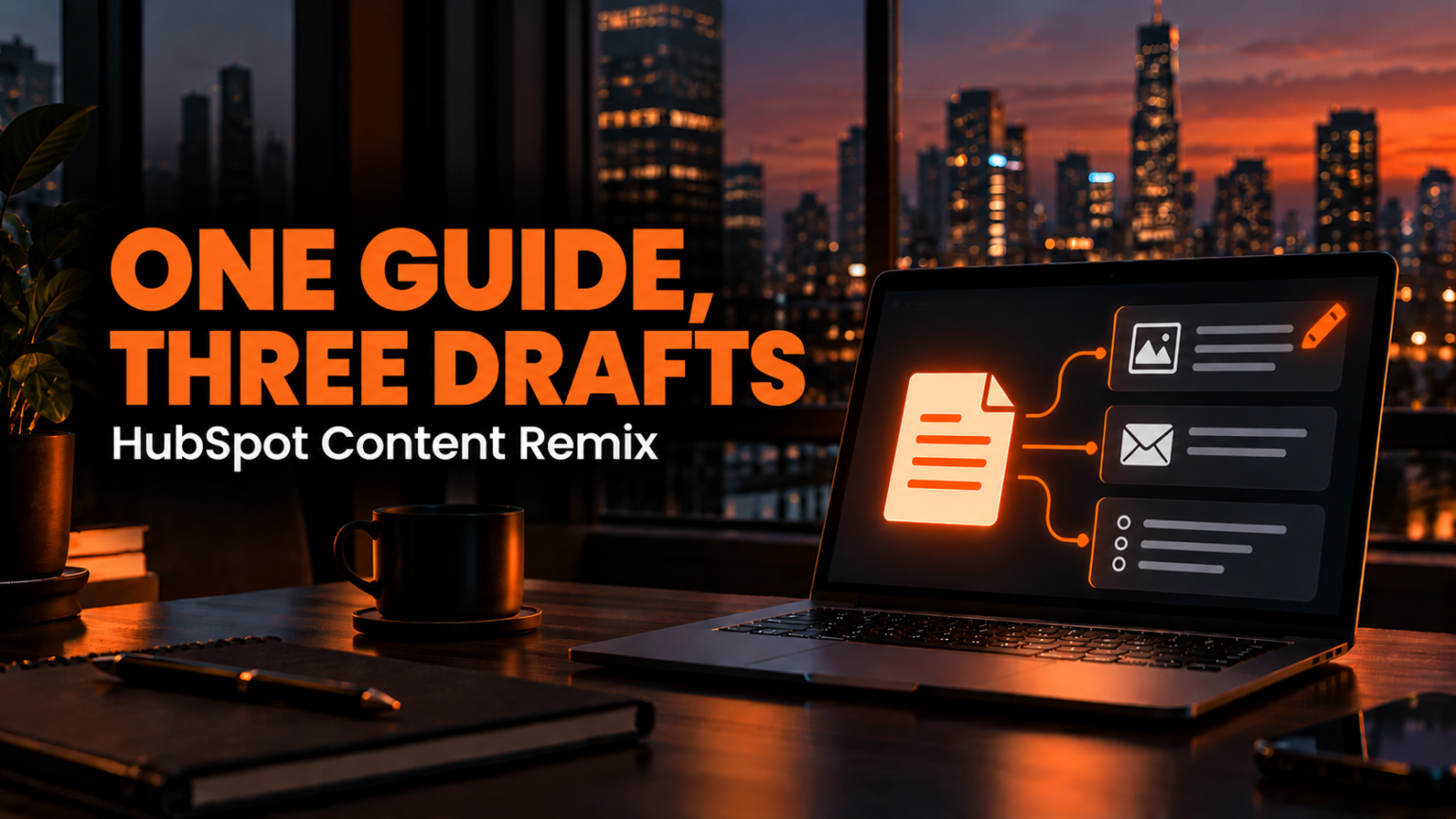
Once your source guide is loaded, pick up to six output formats at a time.

To turn one guide into a week of distribution, select a Social Post, a Marketing Email, and a Freeform Prompt designed specifically to write LinkedIn hooks. Before you run the tool, tell each node exactly who the target audience is and what tone or phrases to avoid. Then click Generate.

In seconds, the system produces a full LinkedIn post, a nurture email, and five separate post hooks, all pulled directly from the arguments inside your original guide. Your team can copy the main post and the five hooks straight into your LinkedIn scheduling queue, and you immediately have a full week of social content ready to go.

Fix the Formatting and Automation Gaps

Now comes the human part. AI gives you a fast first draft, not a finished campaign.

If you open the generated nurture email right out of Content Remix, you will spot immediate operational problems. First, the AI often drops the subject line directly into the body of the email. Second, any call-to-action link, like a meeting scheduling URL, comes out as dead, plain text instead of a clickable hyperlink.

Even worse, the email generated inside Content Remix is built as a one-off broadcast draft. It is not set up for workflow automation. If you want this email to fire automatically every time a prospect downloads your guide, you cannot use the raw remix email as-is. Connecting your assets into a real automated sequence is The Difference Between a CRM and a Revenue Engine.

To fix this, build a dedicated workflow, create a new automated email inside the system, and paste in your edited draft. Strip out the misplaced subject line, clean up the copy, and insert the contact owner’s active booking link. If your team has not set up dynamic meeting links yet, follow our breakdown on Stop Chasing Meeting Times Over Email: Booking Links in HubSpot.

Test the Workflow and Save the Template

Never turn on an automated nurture email without verifying how the personalization tokens render on a real record.

Inside the email editor or workflow tester, test the message against an existing contact who actually filled out your intake form. HubSpot shows you the exact email it would send. Check the preview to confirm that it lands with the prospect’s real first name and a working, clickable booking link.

Once everything checks out, return to Content Remix and save your setup as a reusable template. Next month, when your team finishes a new guide, you do not have to rebuild the prompt structure. You only have to swap in the new source file.

AI drafts the words. A person still edits the copy, wires the links, and decides what actually goes out to your buyers. When your internal team gets stretched thin, these final editing and automation steps get skipped, and good assets sit on the shelf. That bottleneck is Why Execution Capacity Is What’s Killing Your Pipeline.

If content keeps piling up unpublished in your portal, that is the exact work our operators run. Book a meeting with us.