HubSpot, Revenue Operations

How to Set Up Lead Scoring in HubSpot Without Overcomplicating It

Published:

Share:

Sales teams generally handle incoming contacts in one of two ways.

They ignore lead scoring entirely because the setup process feels too overwhelming or they spend weeks building a massive matrix with thirty different rules, only for reps to stop trusting the output six months later.

At trailBlazer6, we see this pattern constantly inside active portals. Setting up a system that helps reps prioritize their day does not require a complex formula. You can build a reliable model using simple criteria that anyone on your team can understand.

What HubSpot Lead Scoring Actually Is

Lead scoring is a point system. It evaluates your contacts based on who they are and what they do, then gives them a total numerical value. That number tells your sales reps which contacts to reach out to first.

HubSpot gives you two main ways to handle this score:

  • Predictive Lead Scoring: This is HubSpot’s automatic model. It uses machine learning to evaluate deal history and contact attributes behind the scenes. You do not configure these rules. The software calculates the score for you using its own data patterns.

  • Manual Lead Scoring: This is a custom property you build yourself. You choose the exact positive and negative criteria, assign point values to each action or attribute, and control when points get added or subtracted.

Predictive scoring can provide a quick high-level overview, but custom manual scoring allows you to align the property with your specific sales process.

What Simple Scoring Looks Like in Practice

In one live portal our team reviewed, HubSpot’s predictive score ranged from 1.37 to 6.28 across the contact database. It ran quietly in the background, but the internal team had no visibility into why one contact scored higher than another.

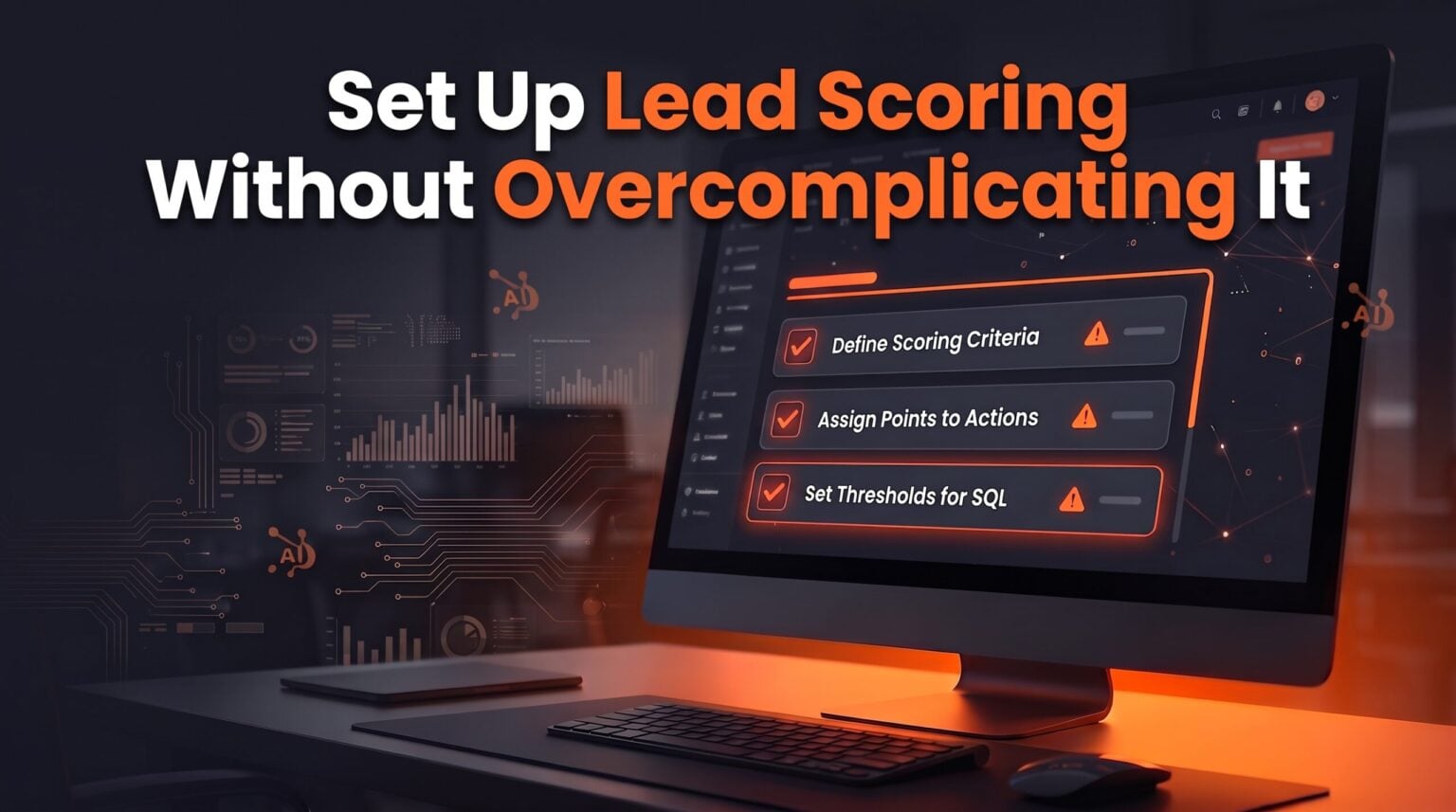
Alongside that automatic output, we built a manual scoring model using three basic rules:

  1. Job Title: The contact holds a decision-maker role.

  2. Lifecycle Stage: The record has reached an active sales stage.

  3. Engagement: The contact logged at least one real interaction, such as a booked meeting or filled form.

This simple manual model sorted the database just as effectively as the automatic system. More importantly, any rep could understand the score in five seconds.

That review also exposed a common data quality issue. One record listed a executive job title, which a title-only rule would score as high-value. However, that person had left their company months earlier. A score is only as reliable as the data behind it.

Why This Matters for Founders

When lead scoring breaks down, your growth slows down.

If you make your scoring model too complicated, nobody updates the rules. The property sits in your portal, quietly gathering stale data until your team ignores it entirely.

If you skip lead scoring altogether, every sales rep has to guess who to call next. Reps waste time digging through unorganized lists, leads fall through the cracks, and your management team lacks a clear view of pipeline quality.

Keeping your initial model tight prevents both issues. You give your team a clear, reliable metric without cluttering your CRM infrastructure.

Why You Need an Operator, Not Just a Dashboard

Setting up a property in HubSpot is only the first step. Maintaining accurate data takes daily effort.

At trailBlazer6, we do not just hand over a setup guide or build a single dashboard and walk away. We place a screened, trained Operator inside your business to manage your Revenue Operations layer continuously.

Our candidate screening includes a 30-day character gate where roughly 1 in 20 applicants make it through. For technical roles, candidates complete specialized training on the HubSpot platform before joining a team.

Your placed Operator works directly under your daily direction to clean records, manage workflows, and audit your scoring criteria. At the same time, a trailBlazer6 Lead Operator co-manages the placement to ensure strict execution standards. If a contact leaves a company or a workflow breaks, your Operator fixes the record before bad data skews your pipeline numbers.

Review Your Lead Scoring Model

Building a functional lead scoring system does not take months of planning. Start with three clear indicators of fit and engagement, test the output against your current pipeline, and iterate as your team grows.

If your current lead scores feel inaccurate or your sales team struggles to prioritize incoming leads, we can help.

Latest Posts