AI Agents, HubSpot, Revenue Operations

How RevOps Solves the Discovery Call Data Problem Nobody Talks About

Published:

Share:

Your rep finishes a discovery call. They open the contact record. They start filling in fields. Industry. Company size. Budget. Timeline. One by one, typing what they remember from the conversation.

That is wasted time. And the data is only as good as what the rep remembers to log.

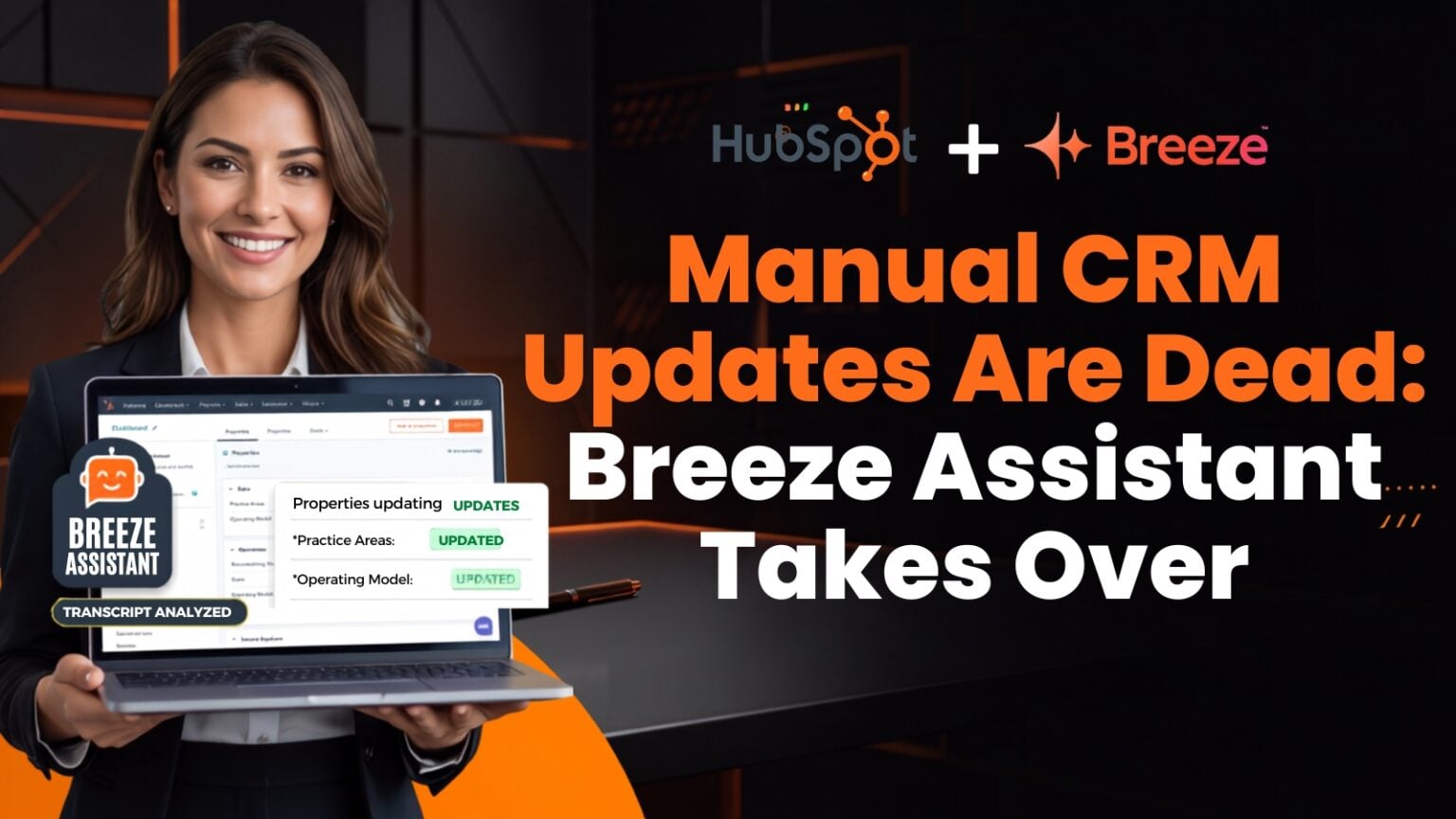
HubSpot Breeze AI Assistant can now analyze call transcripts and extract the data your team needs, then update the CRM properties automatically. One command. No manual entry.

How It Works Inside the Contact Record

The Breeze Assistant lives inside HubSpot, and the setup is straightforward. You go into a contact record, open the Breeze Assistant, and make sure you are in the right project.

The project is where the instructions live. You write a prompt that tells the assistant exactly what data to look for in the transcript, which HubSpot properties to update, and what trigger word kicks off the operation. In our case, we set it so that when you type “run,” the assistant executes the full analysis. You specify the property names, the data points you need, and what format the output should take. All of that goes into the project instructions.

Once that project is set up, the workflow is simple. Open a contact record, open Breeze, confirm you are in the right project, type your trigger word, and the assistant starts analyzing the transcript tied to that contact.

It reads the call, finds the information you asked for, and updates the properties in HubSpot. Then it gives you a summary of what it updated, what it skipped, and what was not mentioned on the call.

The Output Tells You Exactly What Happened

This is the part that makes it practical. The assistant does not just update fields and walk away. It gives you three lists.

First, the properties it updated. You can see exactly which fields were changed and confirm the data is right. Second, the properties it skipped. These need a manual check. Maybe the transcript was unclear, or the data did not match the expected format. Third, the properties where the information was not mentioned on the call at all.

That third list is useful. On the next call with that same contact, your rep knows exactly what data points are still missing. Run the assistant again after that call, and it picks up where it left off.

Write the Prompt Once, Run It Every Time

The project instructions are the key. You write them once, and they apply to every contact record where you run the assistant. If you are not sure how to write the prompt, use Claude or any AI tool to draft it. Just make sure you include the exact property names from your HubSpot instance and the specific data points you want extracted.

The prompt we use includes which fields to look for, the internal property names so the assistant knows where to write, and instructions for a summary at the end. It takes some effort to get right the first time. After that, it is one word to run.

This connects to a broader idea we covered in How to Deploy Native HubSpot AI Without Breaking Your Customer Data. Getting the setup right matters more than turning features on fast.

Why This Matters for Your Revenue Operations

Every minute a rep spends updating CRM fields is a minute they are not spending on the phone. Manual data entry is not just slow. It is unreliable. Reps forget details. They skip fields. They enter data inconsistently.

When your CRM data is incomplete or inconsistent, everything downstream breaks. Your reporting is off. Your lead routing is wrong. Your forecasting model is built on gaps.

Automating this with Breeze keeps your data clean at the point of entry. The transcript is the source of truth, not the rep’s memory. That is a different level of data quality, and it shows up in What Is Revenue Operations? (And Why It’s Not Just Sales Ops) when we talk about why clean systems produce better outcomes than more headcount.

Let Your Reps Sell

The whole point is simple. Lift the manual work off your sales team so they can focus on contacting prospects and closing deals. The data still gets logged. The properties still get updated. But now it happens from the transcript, automatically, with a summary you can QC in seconds.

If you want help setting up Breeze Assistant or getting your HubSpot properties ready to support it.

Latest Posts